Overview
Interface
The hero on the home page is the Overview tab; four more views:
Power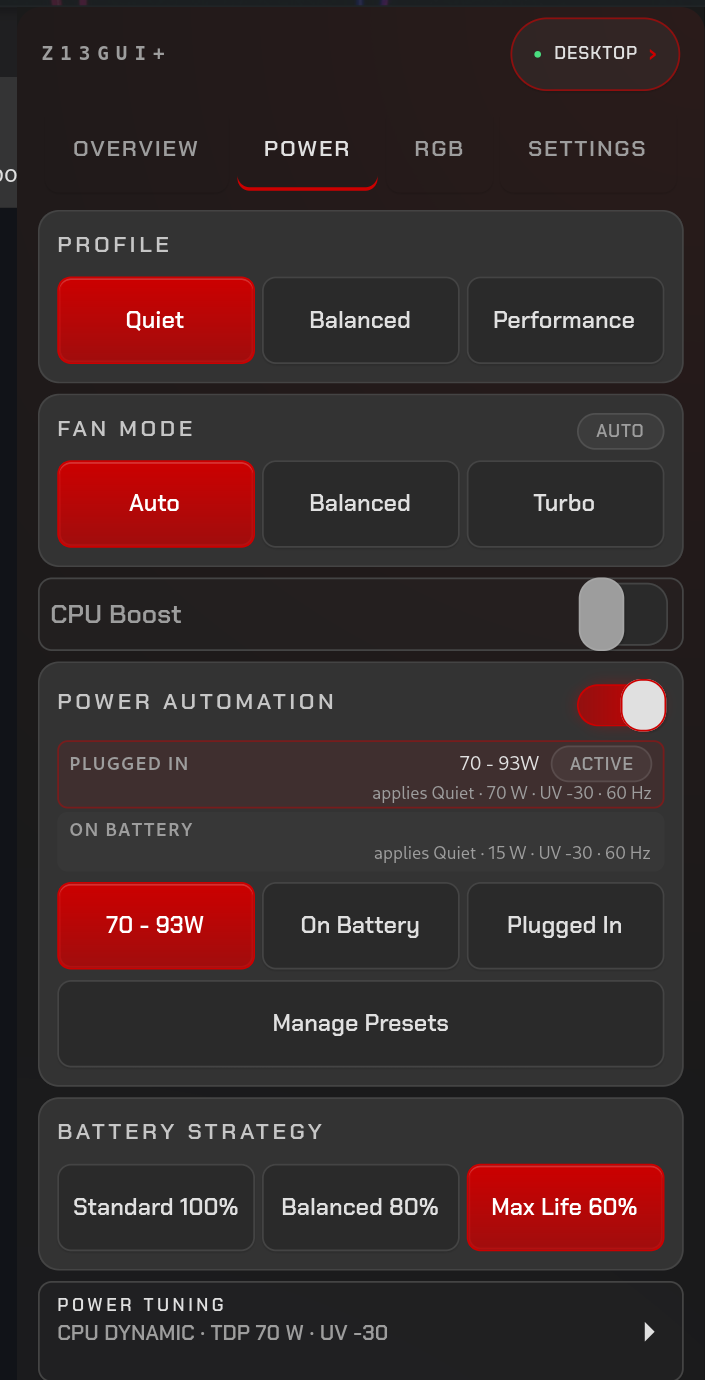 |
RGB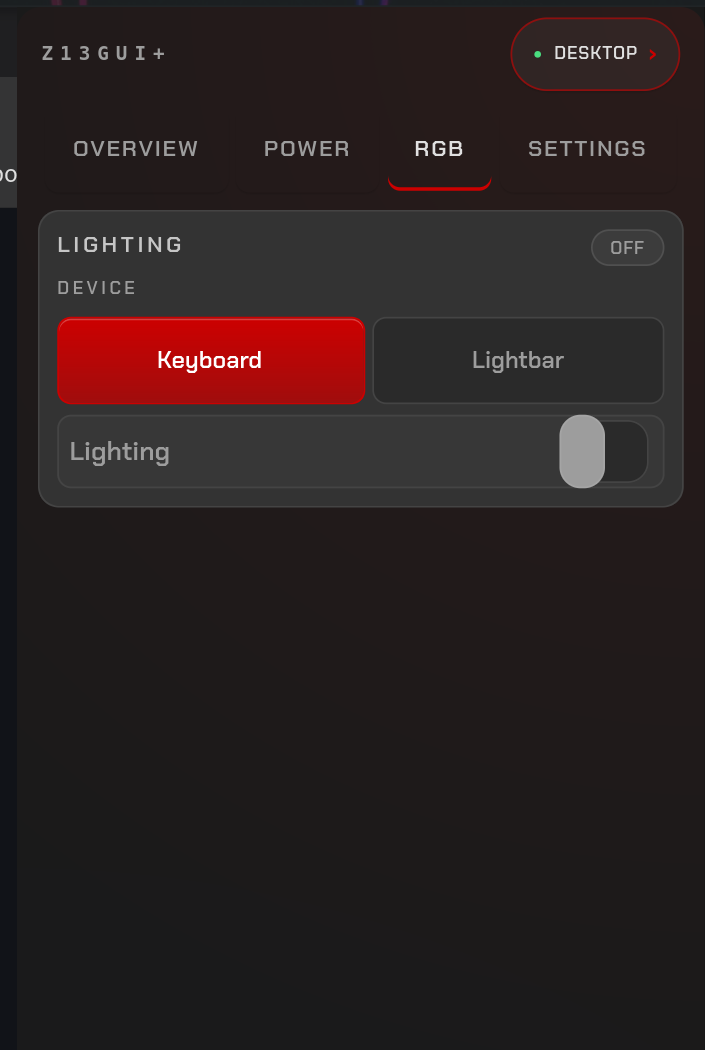 |
Power Tuning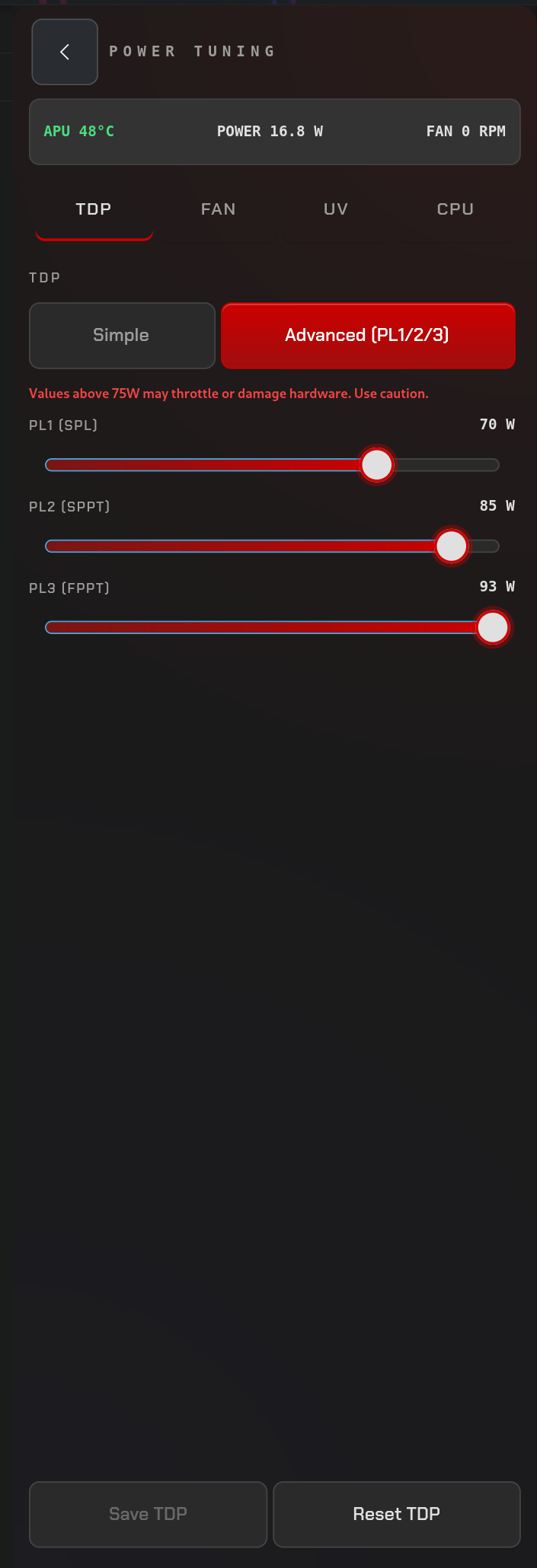 |
Settings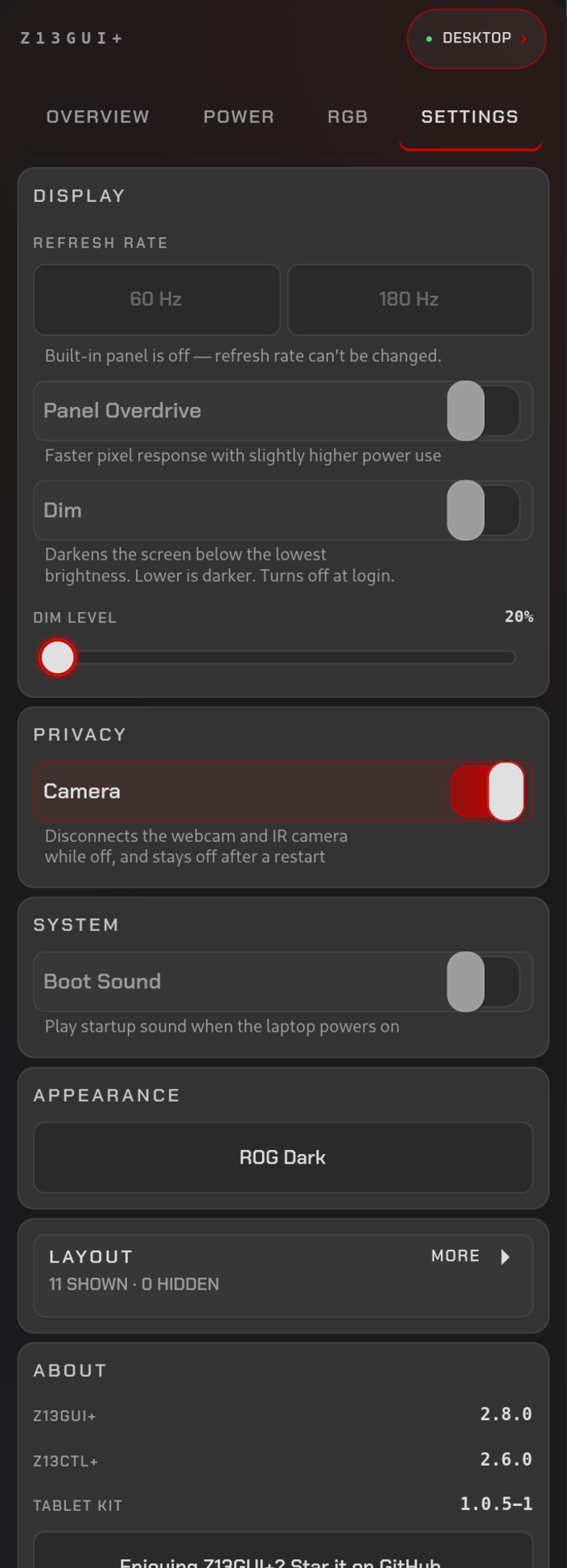 |
Tabs, roughly in the order you'll use them:
- Overview — live temperatures, power draw, fans, memory, and battery
- Power — profile, fan mode, CPU Boost, automation, battery strategy
- Power tuning — TDP, fan curve, undervolt, and CPU frequency limits
- RGB — keyboard and lightbar lighting
- Settings — refresh rate, overdrive, boot sound, Dim, camera, theme, layout
Compatibility
The drawer shows only what the z13ctl-plus
daemon reports for your machine. Cards for missing hardware are hidden
automatically, and Settings → Layout lets you hide any other card.
| Machine | Status |
|---|---|
| ASUS ROG Flow Z13 (2025, GZ302) | Supported — every control |
| Other AMD Strix Halo laptop or mini PC | Experimental — telemetry and CPU policy should work; fan curves, TDP, boot sound and panel overdrive need ASUS interfaces and are hidden when absent |
| Anything else | Not supported |
Without a battery, the Battery cards disappear; without RGB devices, the RGB tab disappears; without an internal panel, the refresh-rate control disappears. A daemon older than v2.5.0 does not report capabilities, and the drawer then shows everything.
Running it on a non-Z13 machine? Please open a compatibility report so this table can be filled in from real results.
Tablet stack
Z13GUI+ is the settings and status surface in a three-repo tablet stack for the Z13. Install the other two repos alongside it:
- z13-tablet-kit — detects dock/folio/tablet posture, toggles the touchscreen, and provides touch scrolling and two-finger context menus
- z13ctl-plus — owns internal-panel scale/rotation/refresh changes and persists tablet settings (desktop touch policy, two-finger hold, folio touchpad opt-in, scroll speed, keep display scale)
- Z13GUI+ (this repo) — GTK4 overlay drawer exposing live posture/health and the tablet toggles
Flow: kit detects posture → the daemon applies display changes → this drawer
shows state and persists settings → the kit applies them live — no restarts
required. The tablet chip in this drawer stays hidden until the kit's
z13-tablet-switch reports a heartbeat.
Darker screen
z13-backlight-quirk (AUR
z13-backlight-quirk-dkms) lowers the Z13's minimum brightness with a kernel
backlight quirk. Without it, Settings → Display → Dim darkens the screen in
software instead.